Skills
Top meta picks
- 1SCarry CapacityEarly
- 2AMovement SpeedMid
- 3BSearch HighlightLate
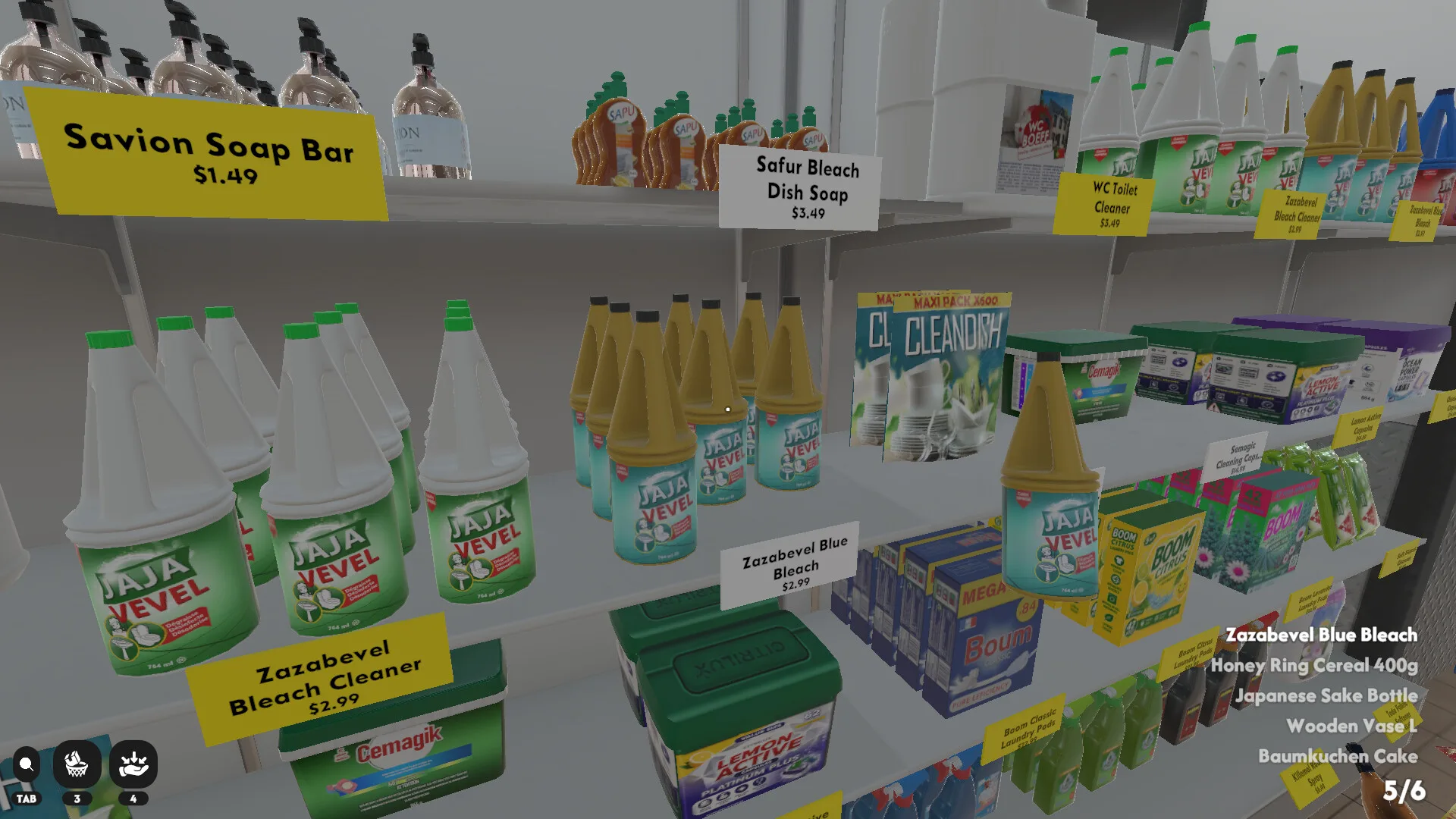
The unofficial Supermarket Chaos Wiki for Steam players — sort 4,668 scattered products across 16 supermarket sections, match price tags exactly, earn coins for skill upgrades, and chase 12 achievements with no timer and no game over.
Updated: July 2026
PC · cozy organizing simulator
Watch community gameplay from the Supermarket Chaos Wiki — shelf stocking, price tag matching, and store organization across early sections.
Search the Supermarket Chaos Wiki for products, store sections, and guide pages.
Core Supermarket Chaos Wiki guides for stocking, sections, skills, achievements, and misleading chaos items — written for the full 4,668-item Steam run.
 Start
StartHow Supermarket Chaos works — controls, price tags, coins, and first-hour flow.
Read guide →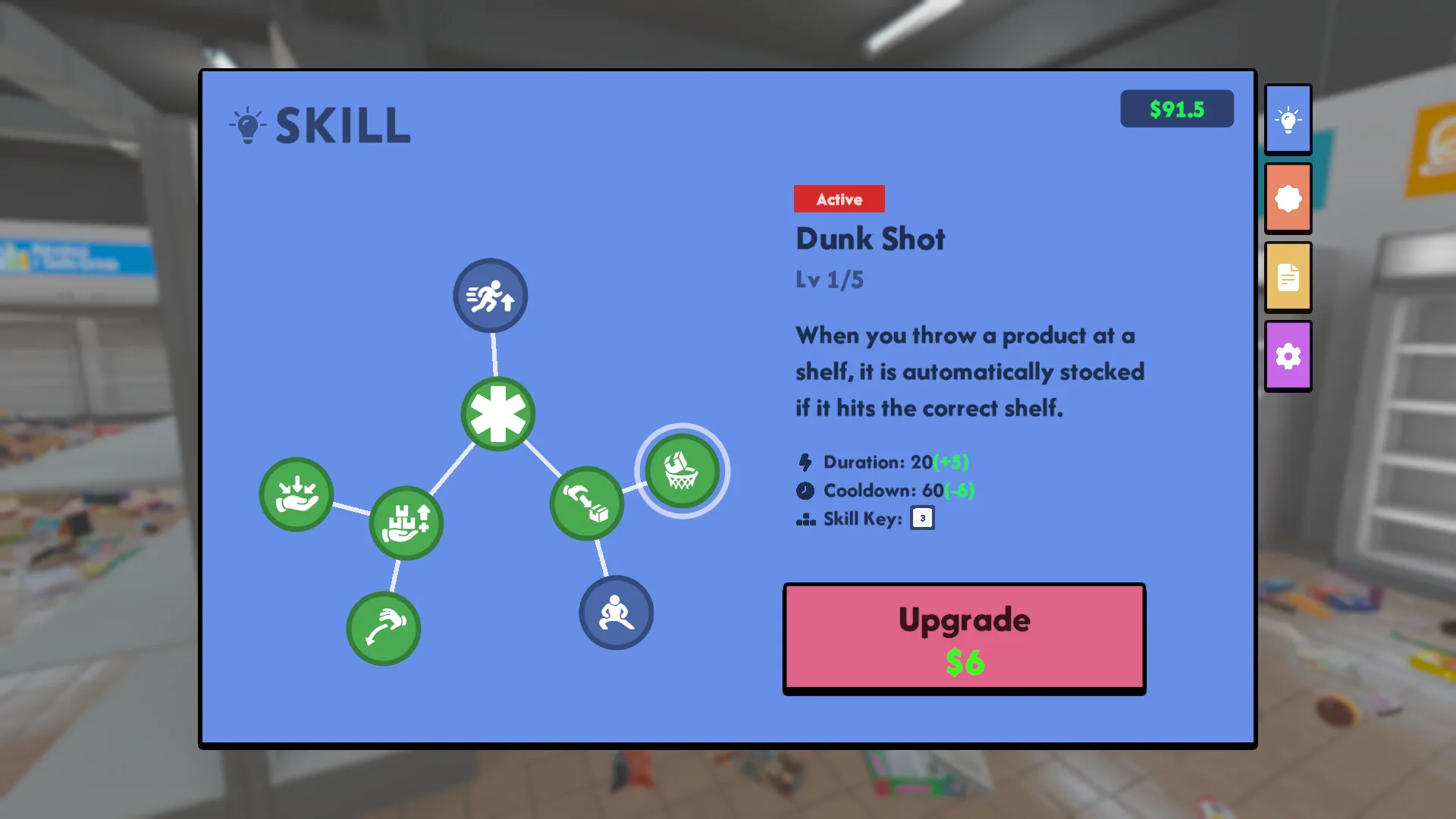 16 Areas
All 16 store sections explained with difficulty notes.
Read guide → Steam
SteamFull Steam achievements list plus not-unlocking troubleshooting.
Read guide →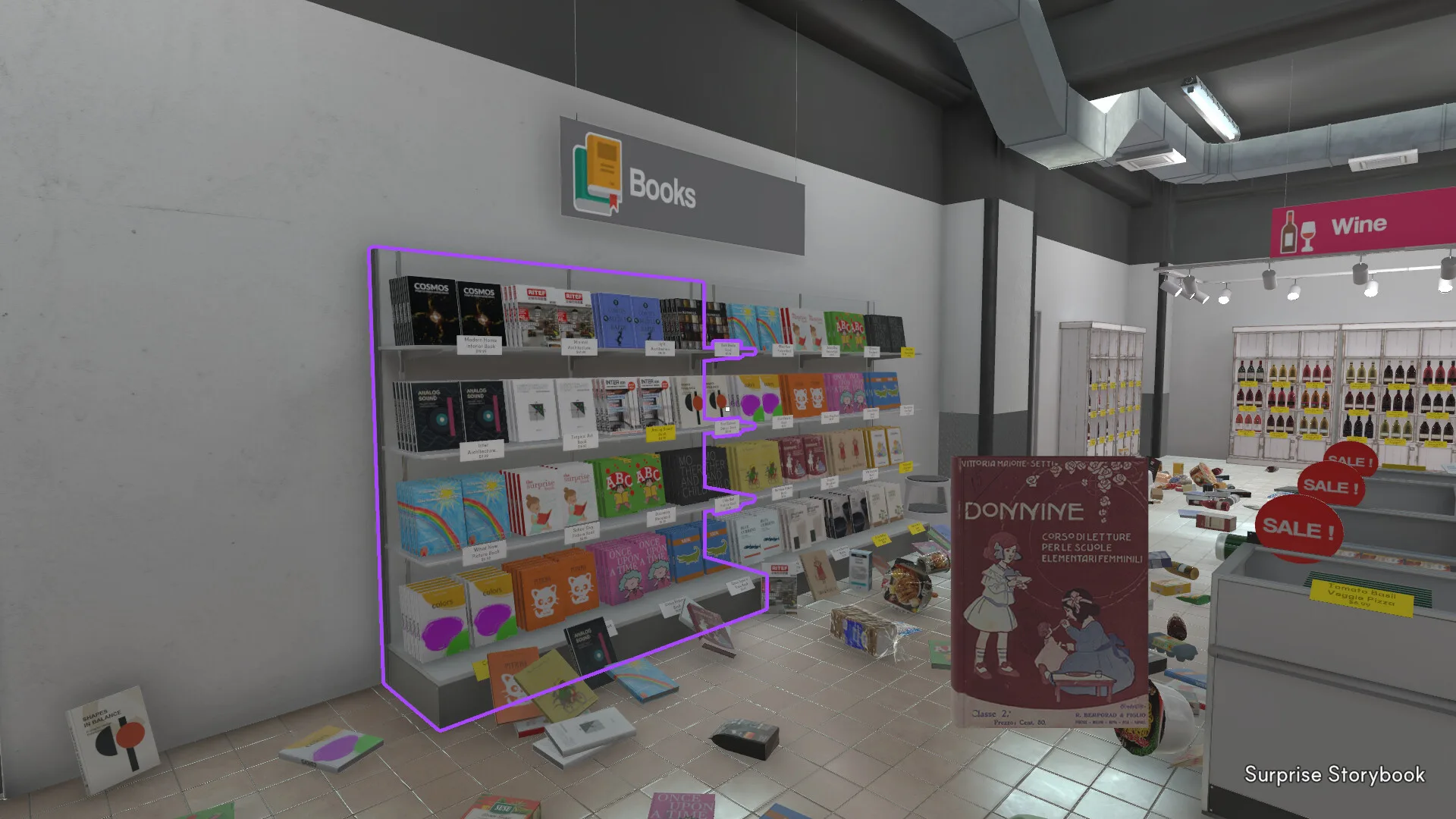 Traps
TrapsMisleading items where models or signs do not match intuition.
Read guide →Skill and section difficulty tiers for Supermarket Chaos — full rankings on the tier list page.
Top meta picks
Top meta picks
Top meta picks
Items that trip up players — full list on the chaos list guide.
Section: Seafood
Section: Snacks
Section: Bakery
12 Steam achievements — full conditions on the achievements guide.
Each product must match its price tag name exactly — not the 3D model shape.
Fruit, tea, frozen foods, books, wine, ramen, and ten more aisles to restore.
Spend coins on carry capacity, movement speed, and search highlight.
Misleading items where names, models, or signs do not match intuition.
Every Supermarket Chaos product belongs to one of 16 store sections — from easy Fruit and Snacks to dense Books and Wine. Browse difficulty tiers below, then open the full [sections guide|/guide/sections] for clear order and layout notes.
The Supermarket Chaos sections list on Steam includes fruit, tea, frozen foods, books, wine, ramen, homegoods, dairy, bakery, snacks, canned goods, seafood, meat, cleaning, personal care, and beverages. Signage in-game uses these names — not generic “grocery” labels.
S-tier sections belong in your first sessions. C-tier aisles hide the slowest tags and deserve search highlight upgrades before you grind them. When a section feels harder than its tier, check the chaos list for misplaced models.
Browse fruit — Easy difficulty.
Browse snacks — Easy difficulty.
Browse beverages — Easy difficulty.
Browse ramen — Easy difficulty.
Browse tea — Mid difficulty.
Browse bakery — Mid difficulty.
Browse dairy — Mid difficulty.
Browse frozen foods — Mid difficulty.
Supermarket Chaos is a cozy organizing simulator on Steam for PC by BunnyHop, published by BunnyHopHome. Released June 29, 2026, it belongs to the same comfort niche as library-tidy games — except the shelves belong to a supermarket that organizing robot GPT-9000 decided should stay messy.
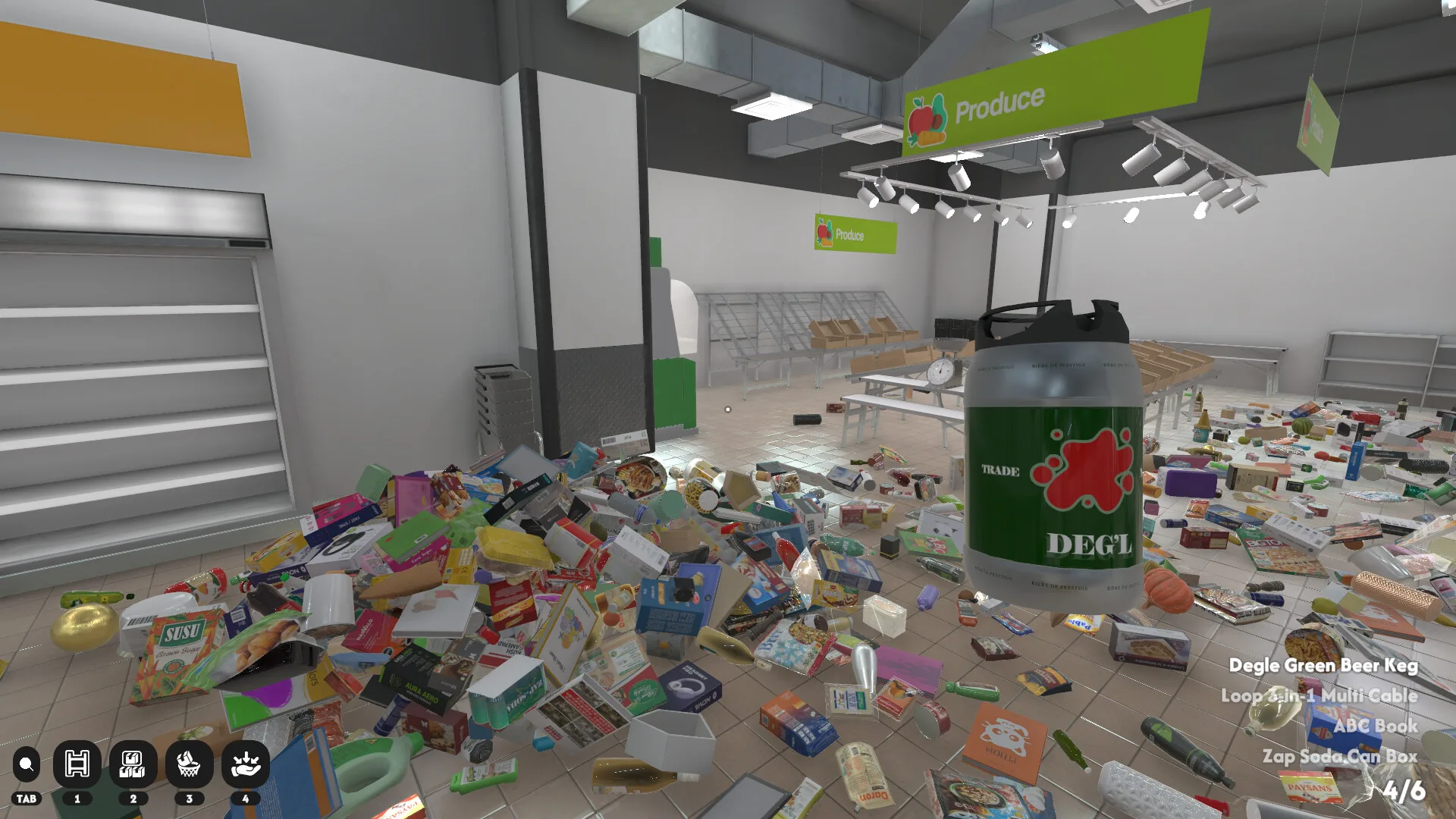
Your job in Supermarket Chaos is simple to describe and massive to finish: return 4,668 scattered products to the correct shelves across 16 store sections. Pick up an item, read its name, walk to the right aisle, match the price tag text exactly, and place it. There is no timer, no game over, and no customers to serve — only calm restoration at your own pace.
Correct placements pay coins you spend on three skill upgrades: carry capacity, movement speed, and search highlight. Most players upgrade carry first so each trip moves more products. The Steam page lists fruit, tea, frozen foods, books, wine, ramen, dairy, bakery, snacks, and more — every section has distinct signage that becomes muscle memory over time.
Google ranks supermarket chaos as the top intent for this title, followed by items list, sections list, and achievements guide. This wiki exists because the scale overwhelms memory: thousands of SKUs, overlapping signs, and a handful of chaos items where the 3D model looks nothing like the label. Search tools and section guides here answer *where does this go?* without spoiling the cozy loop.
12 Steam achievements track stocking milestones up to placing all 4,668 products. Supermarket Chaos supports keyboard, mouse, and full controller input with Steam Cloud saves. It is not on Nintendo Switch, mobile, or Roblox — purchase only from the official Steam store page.
If you are new, start with the beginner guide for controls and price-tag rules. Returning players chasing 100% should pair the progress tracker with the achievements guide and chaos list for misleading products.
First session checklist for new Supermarket Chaos players on Steam — covers the core loop, first upgrades, and where to look up any product.
Open the Steam store page and install the PC build. Supermarket Chaos is not on Nintendo Switch or Roblox — Steam only. Enable Steam Cloud if you play on multiple PCs.
Highlight a floor item to see its name. The shelf price tag must match that text exactly — not the 3D packaging shape. When unsure, use item search before walking across the store.
Locate the correct store section first among all 16 aisles. Fruit, Snacks, and Beverages are gentle starters; Books and Wine wait until later. The sections guide lists a recommended clear order with difficulty tiers.
Each correct placement pays coins. Upgrade carry capacity first so you haul more per trip, then movement speed, then search highlight for late-game tag hunts. Details and costs sit on the skills guide and tier list.
Mark cleared sections on the progress tracker and read the achievements guide for milestone counts — 100, 1,000, 4,000, and all 4,668 for Complete. Check the chaos list when an item refuses to fit.
Supermarket Chaos skill upgrades confirmed on the Steam store page.
| Skill | Effect | When to upgrade |
|---|---|---|
| Carry Capacity | Hold more products per trip | Early — fewer back-and-forth runs |
| Movement Speed | Move faster through aisles | Mid game — larger store coverage |
| Search Highlight | Highlight target price tags | Late — hunting rare tags faster |
Source: Steam store description (June 2026).
Supermarket Chaos rewards reading product names and matching price tags across all 16 sections. Early hours should focus on S-tier aisles — Fruit, Snacks, and Beverages — while you bank coins for carry capacity.
Mid game opens Tea, Dairy, and Frozen Foods where signage overlaps and chaos items appear. Late game is Books, Wine, and Homegoods: dense tags, awkward layouts, and long walks unless movement speed is upgraded.
Use item search when stuck, upgrade carry capacity before speed, bookmark the chaos list for misleading SKUs, and mark section clears on the progress tracker so you always know which aisles still leak floor clutter.
Suggested goals aligned with Steam achievements.
| Day | Goal |
|---|---|
| First session | Place your first item · unlock First Stocked achievement |
| Early | Reach 100 stocked · upgrade carry capacity |
| Mid | 1,000 stocked · explore all 16 sections |
| Late | 4,000+ stocked · hunt remaining chaos items for Complete |
Supermarket Chaos patches from Steam and community reports.
Community reports fixes for shelf labels and sign text. Mouse invert option added for some controller setups.
Supermarket Chaos released on Steam — 4,668 products across 16 store sections with skill upgrades and 12 achievements.
Supermarket Chaos is a cozy organizing simulator on Steam. You sort 4,668 products across 16 supermarket sections with no time limit. Read the beginner guide for the full loop.
Read the product name, find its store section, then match the price tag text on the shelf. Use item search for quick lookups.
The Steam page lists 4,668 products. Track completion with the progress tracker and wiki items index.
Fruit, tea, frozen foods, books, wine, ramen, homegoods, dairy, bakery, snacks, canned goods, seafood, meat, cleaning, personal care, and beverages. See the sections guide.
Steam achievements trigger on correct shelf placement counts. Save progress, avoid throwing items for stocking milestones, and confirm you are on the Steam PC build. Full list: achievements guide.
Most players upgrade carry capacity first, then movement speed, then search highlight. See the skills guide and tier list.
No. Supermarket Chaos is available on Steam for PC only. Get it from the Steam store page.
No — it is a paid indie title (launch price $4.99 on Steam). There is no separate free download outside official Steam purchases.
Some frozen foods use multiple slots, and a few items have misleading models. Check the chaos list before forcing a placement — match the price tag name, not the packaging art.
Community reports occasional UI bugs after patches. Save, reload the save, and verify you earned enough coins. Full notes live on the skills guide and achievements troubleshooting.
Clear easy sections first (Fruit, Snacks, Beverages), upgrade carry capacity, then mid and late aisles while chasing stocking milestones. Use the progress tracker and sections route.
Supermarket Chaos Wiki is an unofficial fan site. We are not affiliated with BunnyHop or Valve. Play via the official Steam store page only.
Start with the beginner guide, search items, and track your stocking progress.